

Last Updated:
Article #: 16429
Overview
Double check the Taxing and Income Options selection for the benefit under Employees > Deductions & Benefits. If Taxed – Not Applied to Gross or Net Pay or Taxed – Apply to Gross Only are selected, this will cause a negative Net Pay amount to be produced.
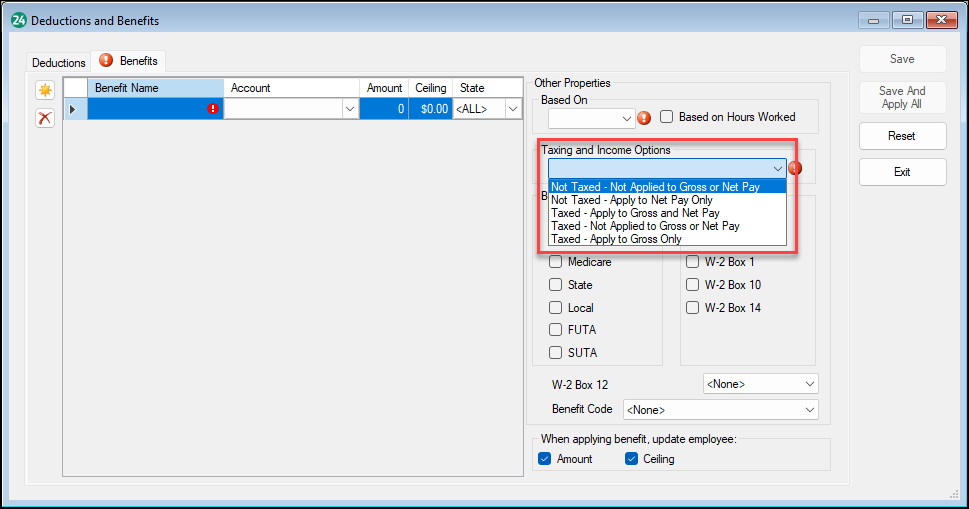
Be sure to select Save And Apply All or update the benefit for each employee on the Employee Setup screen after making changes.