
Last Updated:
Article #: 18846
In Drake Hub, the Apps tab displays the Drake Software apps and services that have been enabled for your login. Click Open to launch the application.
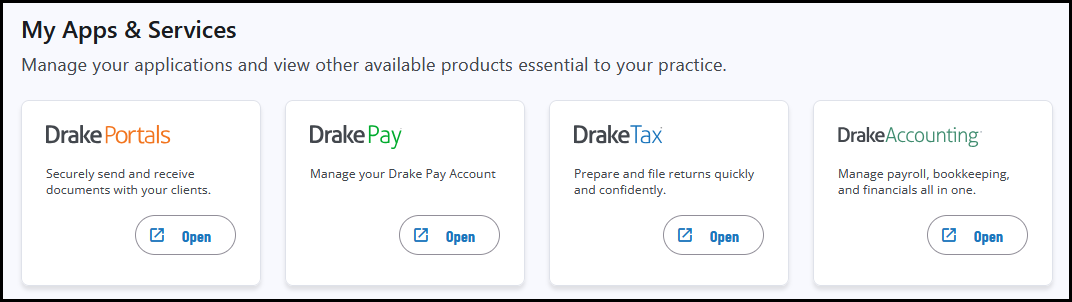
If you need to add access to an application that you have already purchased, see Drake Hub – Staff for details.
Note
If the product is a desktop application (i.e., Drake Tax Desktop or Drake Accounting), you must have installed that program prior to clicking on Open, or Drake Hub will be unable to locate the corresponding desktop application.
If the application displays More Info instead of Open, you have not purchased that Drake Software application or service. Click More Info to read about the product features and complete your purchase.
Access to partner programs (Drake Pay, Drake Portals, etc.) is subject to licensing under the current pricing structure. These features and applications are only accessible if purchased.