

Last Updated:
Article #: 16497
After completing the DD or PMT (or both), you can review the Transaction Summary in View/Print mode.
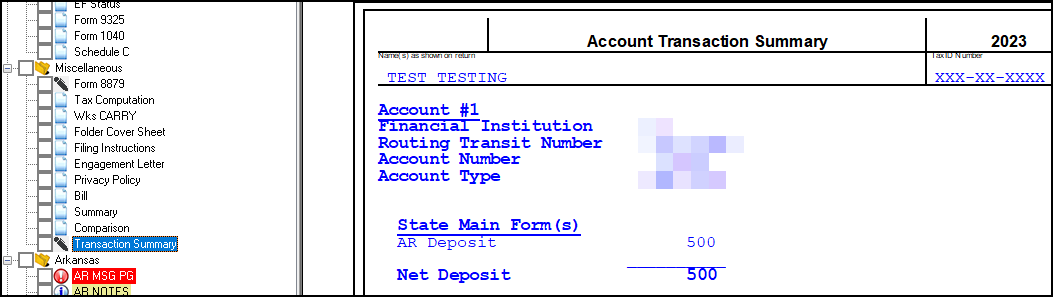
The Transaction Summary (located under the Miscellaneous section in View/Print mode) displays the bank account information, the date of transaction (direct debit only), and the amount to be deposited or debited for the Federal and each State return.