
Last Updated:
Article #: 19005
Drake Workflow is integrated with Drake Hub.
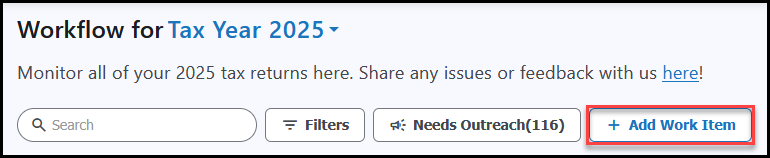
You can add work items for one or more clients to the Workflow by clicking + Add Work Item.
-
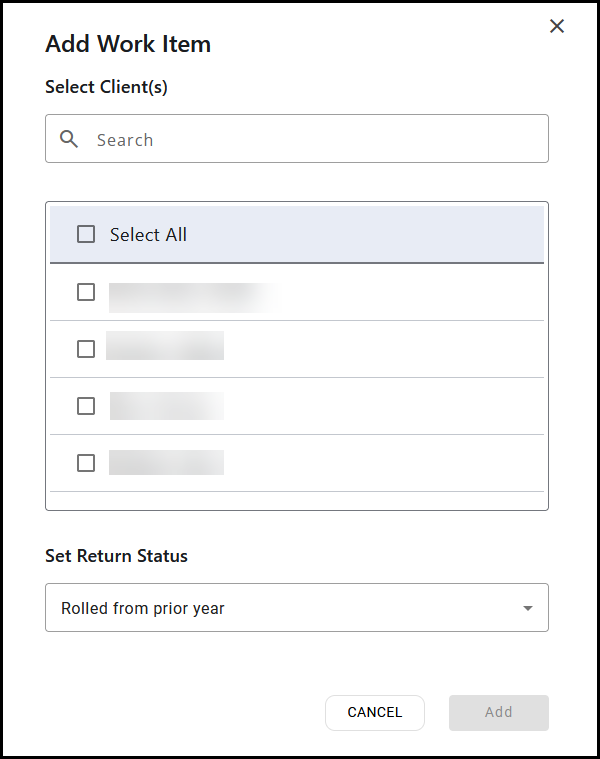
Search for a client or select clients from the list.
Note Only clients that are not already present on the selected Workflow are displayed here.
-
Check the box to the left of the client name.
-
Set the return status for the selected client(s) using the Set Return Status drop list.
-
Click Add.