Drake Hub - Settings - Notifications and Workflow
Article #: 18911
Last Updated: September 18, 2026

When you log in to Drake Hub, on the left menu, choose Settings to access Drake Hub and Drake Workflow settings.
Notifications Tab
On the Notifications tab, you can select whether you want to receive notifications about your practice activities. If you toggle the Workflow Status Changes to on, you can expand the Advanced Settings and choose which specific events you want to be notified about. The events will still occur and be logged, with or without the option enabled, however, this allows you to decide when you will get notified.
Advanced setting options include:
-
Data Submitted
-
E-File Rejected
-
E-File Extension Rejected
-
Preparation Complete
-
Proposal Approved
-
Return Approved
-
Return Signed
-
Engagement Signed
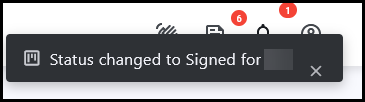
When the status of one of your assigned items changes, a pop-up notification shows at the top right of the Drake Hub window. This pop-up only displays for a few seconds.
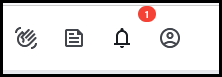
Then, the number of unread notifications is listed beside the bell icon.
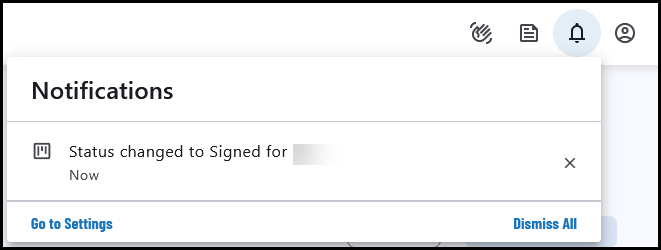
When you click on the bell it will show a list of notifications that you have not yet read.
-
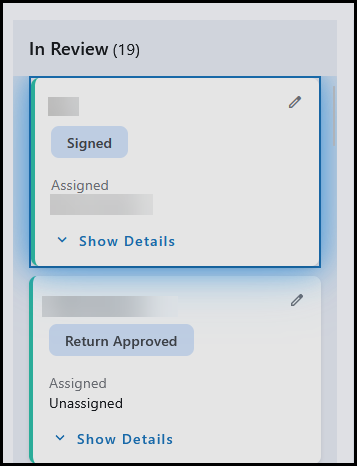
If you click on the notification you will be redirected to the Wofkflow tab with the return highlighted:
-
The number is cleared after you click on the bell, but the notifications will display until you click the X to clear a single notification, or choose Dismiss All .
Workflow Tab
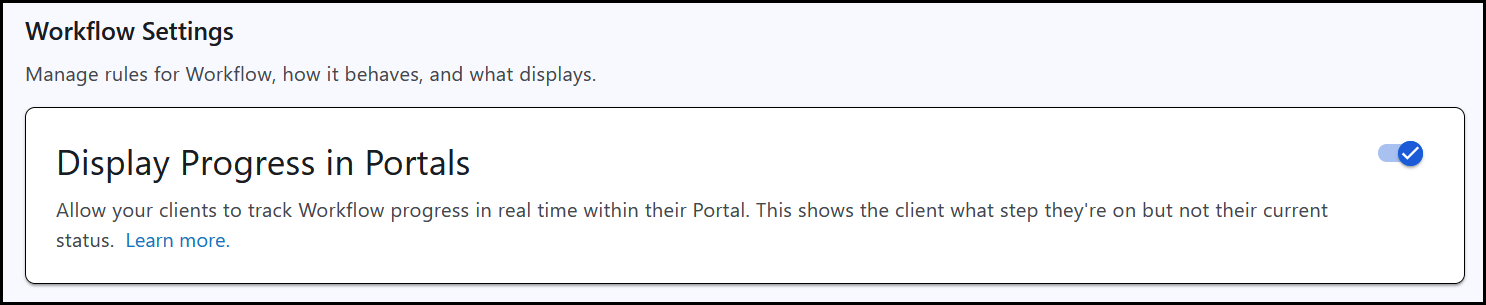
On the Workflow tab, you can configure the integration between Drake Workflow and Drake Portals. When the Display Progress in Portals setting is toggled on, the client (taxpayer) will be able to see what step of return preparation they are in.
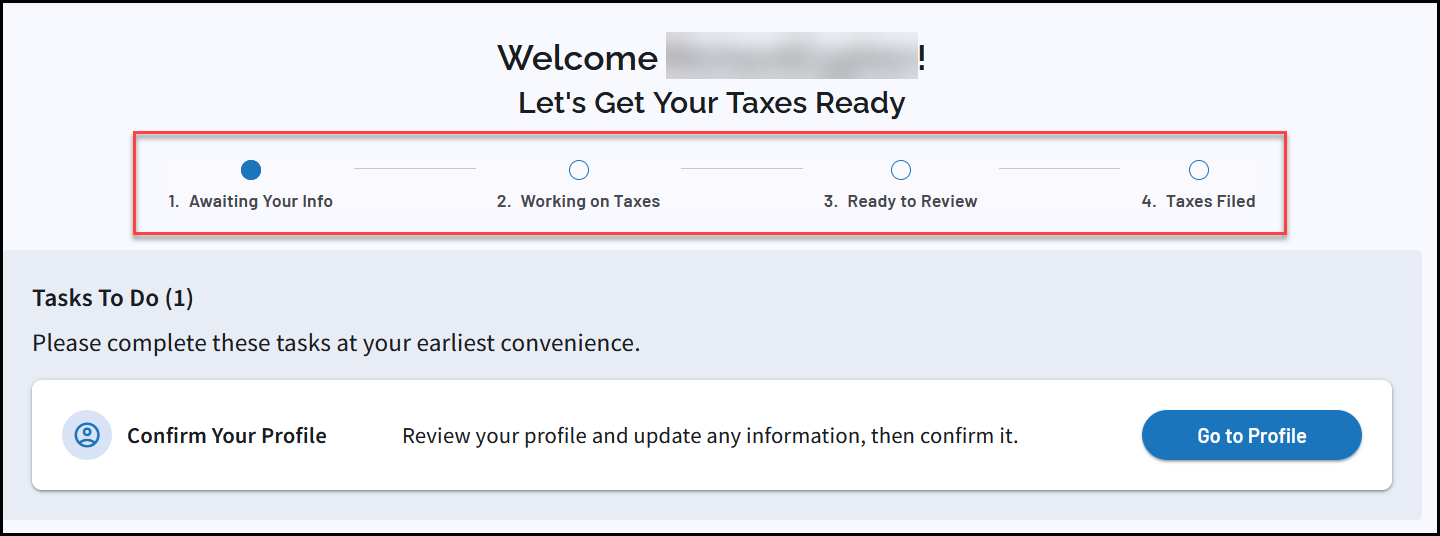
The client (taxpayer) will see that their return is in one of four steps of return preparation - Awaiting Your Info, Working on Taxes, Ready to Review, or Taxes Filed. This correlates to where the return card appears in Drake Workflow.
If you toggle the option off, you will still have full use of Drake Workflow and Drake Portals, however, the client (taxpayer) will not be able to see the return progress on their own portal. 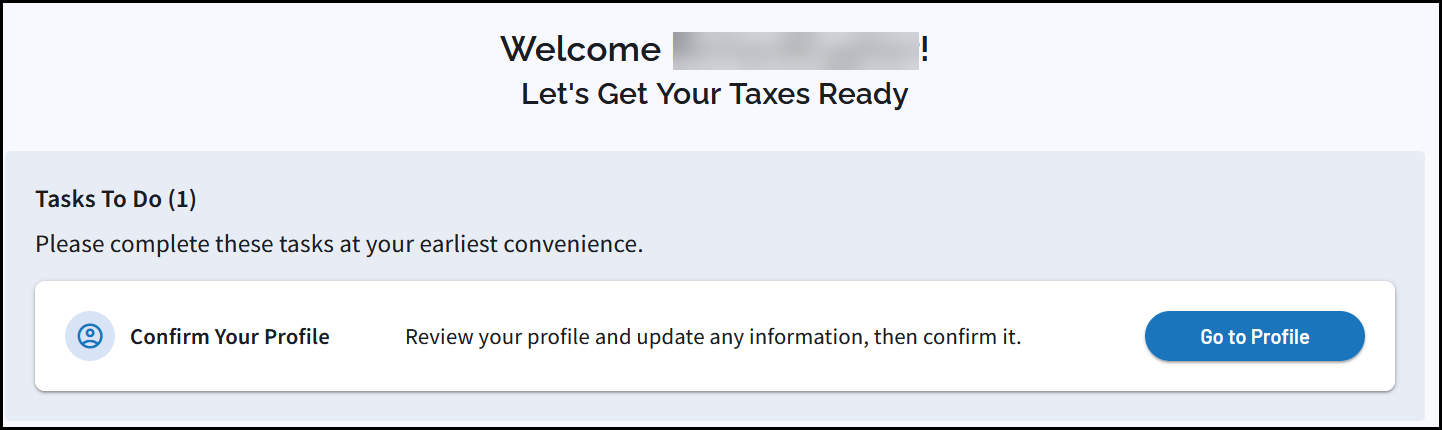
The Workflow Views section, located under the Display Progress in Portals toggle, allows you manage your default and custom saved views. You can set a default view by clicking Set Default. You can view filters for a specific workflow by clicking the view icon.
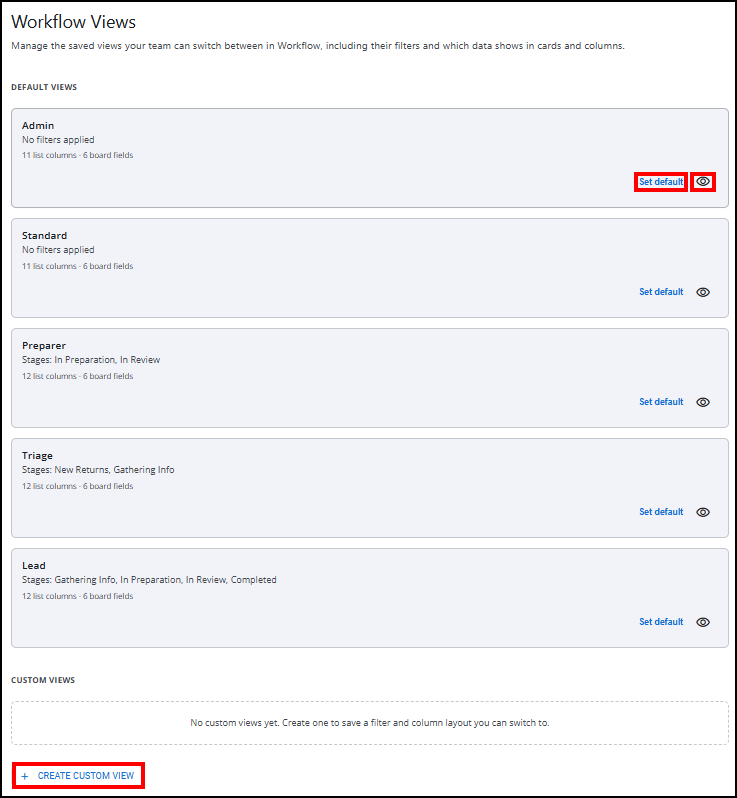
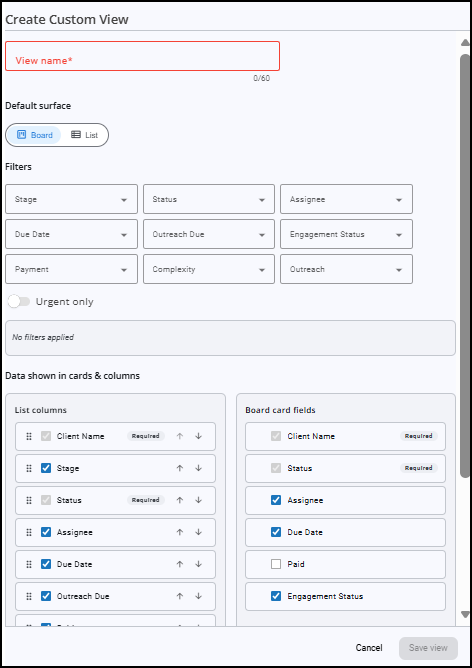
You can also create custom views from this page by clicking + Create Custom View. This will open a Create Custom View window where you can select appropriate filters and data fields to display.
See Drake Workflow - Customize Views, Search, and Filter for more information on custom views and filters.