

Last Updated:
Article #: 15790
After you complete New Mexico Form ES-903A, click Save (or Save/Print to print the form).
The file created by DAS follows the ICESA specification, so when uploading to the NM DWS, ensure that you are selecting the correct file.
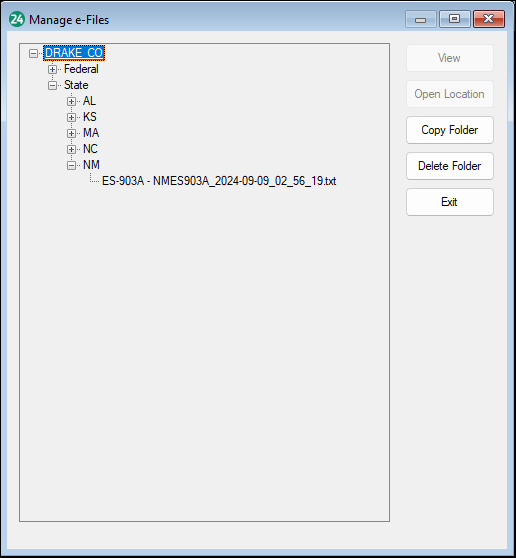
If you have issues finding the location of the file, go to e-Filings > Manage e-Files. Expand your client and once you find the file listed, click on it. It will highlight in blue. Click Open Location on the right.
To read more about the ICESA Specifications, visit the New Mexico Department of Workforce Solutions.