

Last Updated:
Article #: 15127
To reprint a live payables check, follow these steps:
-
Go to Payables > Check Print.
-
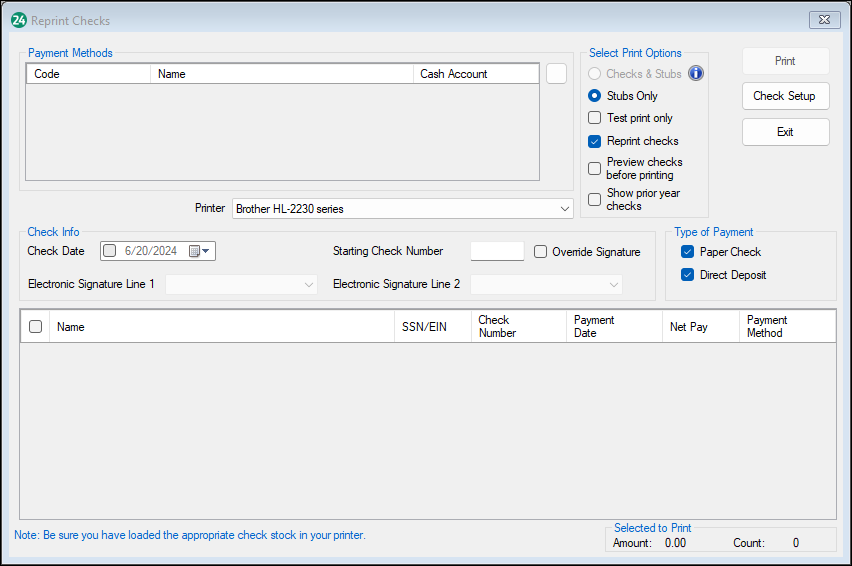
Select Reprint Checks.
-
Make sure the Check Date is the date you want to print on the check.
-
Enter the Starting Check Number.
-
If you want to view the check before you print it, check the Preview checks before printing box.
-
If you want to view checks printed in a prior year, check the Show Prior Year Checks box.
-
Select the check that needs to be reprinted.
-
Click Print.