

Last Updated:
Article #: 12526
To find information within data entry of a return, use the Selector field. The selector field (Enter Screen, State, or Search Phrase is located at the bottom of the main data entry screen of a return. This search field allows you to locate any screen within the tax package, and find data entered on any screen (Drake17 and future).
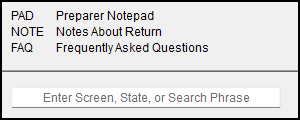
For example, enter a screen name, dependent name, address, a dollar amount, or ID number – basically anything that has been entered within data entry – and then click Enter. The search results are displayed in a dialog box.
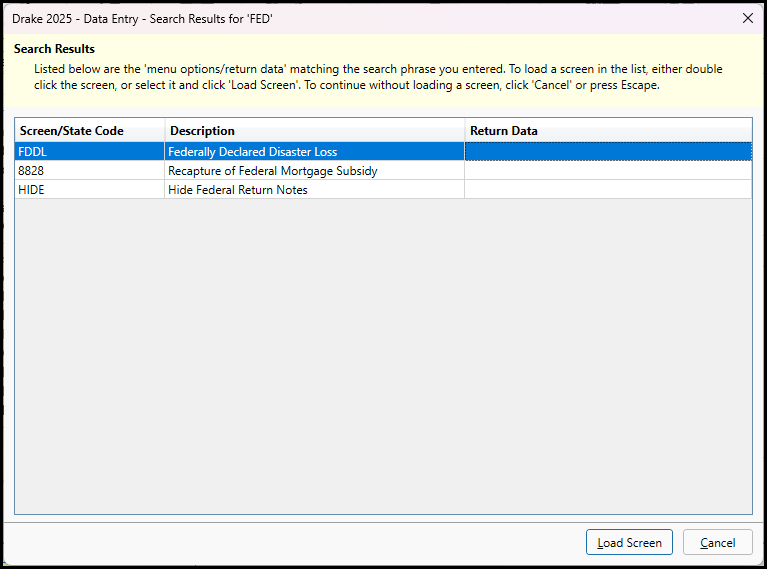
Select the form you need and click Load Screen to open the screen for data entry.
Note This search feature is available in all packages and states. The values searched for can be any alphanumeric character as well as symbols.
If you do not see this field, make sure that you have a return open and are on the main data entry (tabs at the top) and not inside a specific screen. If you have opened another screen (i.e., the Name and Address screen), be sure to close that window before attempting to use the search field.