
Last Updated:
Article #: 12521
How to put a border around a letter, bill, or filing instructions
Yes, you can enable a border on your letter, bill, and/or filing instruction page. In Drake18 and prior, a border can only be added to the letter or bill. To enable the border, follow these steps:
-
Go to Setup > Communications Editor.
-
From the Setup drop list on the toolbar, select Page layout.
-
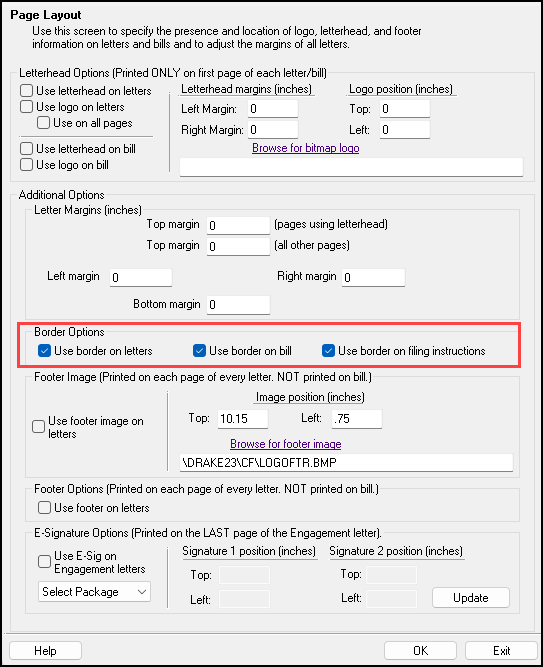
Under Border Options, select to enable the border by checking one or more of the following:
-
Use border on letters
-
Use border on bill
-
Use border on filing instructions.
-
-
Make any other changes needed, then click OK.